
In my last post, I covered the setup for running your own local AI coworker. One of the connectors I mentioned was Agent Browser, and it deserves its own spotlight – because sooner or later, your agent is going to need to use a web browser.
Many of the things we do on the web don’t have APIs. Your YouTube channel, your bank, that internal HR portal from 2007 – if you want an agent to interact with them, it needs to open a browser and click around like a champ. Agent Browser is a local tool designed specifically for this. It interacts with a web browser, lets the agent decides what to click or type, and issues simple commands. Fast, token-efficient, and it comes with an agent skill you can install with npx skills.
What makes it especially useful is CDP mode: the ability to connect to your existing Chrome via Chrome debugging Protocol. The agent works in your browser, with your logged-in sessions.
Setting It Up
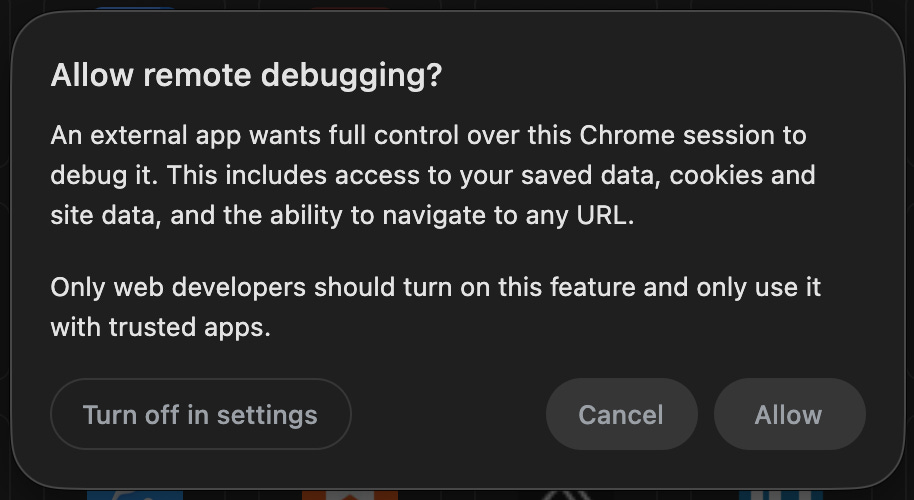
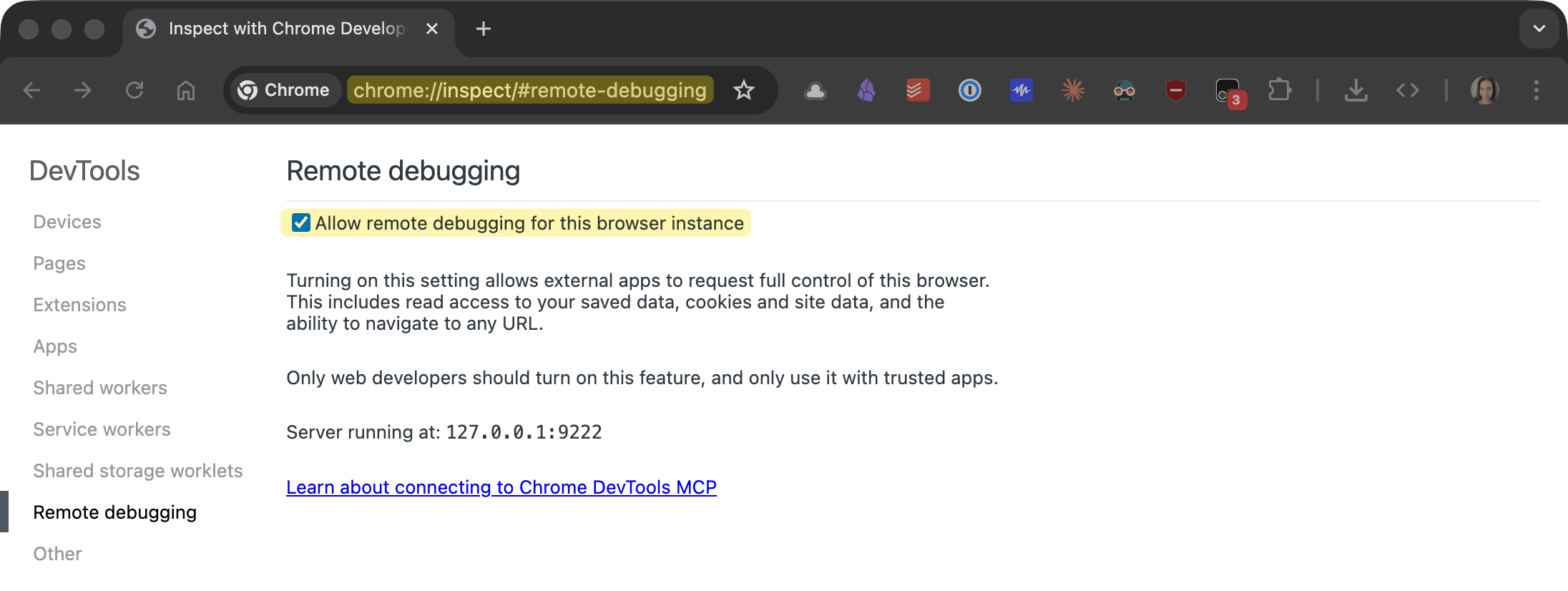
Enable remote debugging in Chrome at chrome://inspect#remote-debugging. This exposes your browser session, so enable it only when actively working with your agent. Once it’s on, Agent Browser’s --auto-connect flag discovers your running Chrome automatically.
In Practice
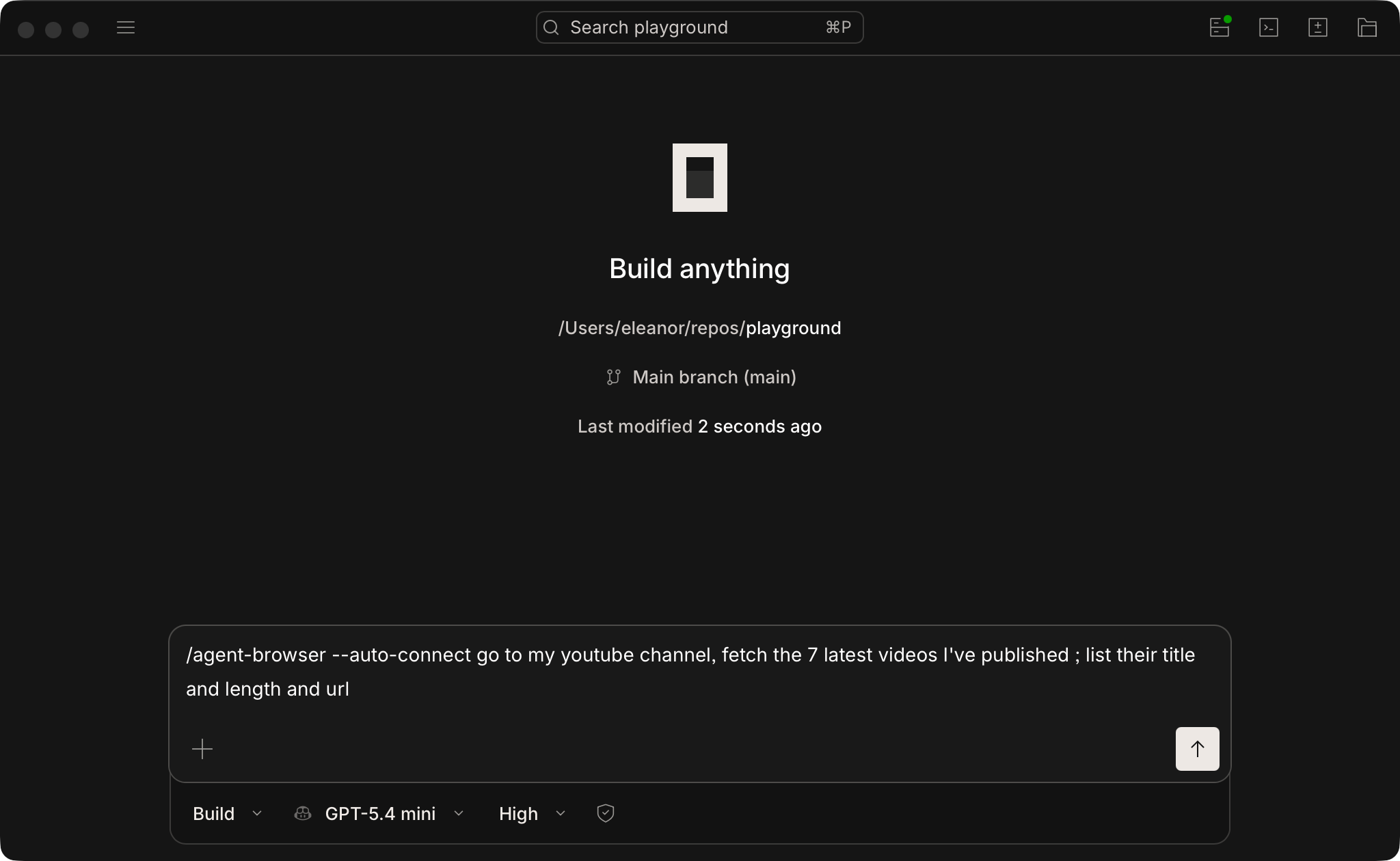
I’m using OpenCode Desktop with GPT-5.4 mini – OpenAI’s brand new small model. Fast, cheap, and remarkably capable for agentic tasks. I invoke the skill with /agent-browser and add --auto-connect.
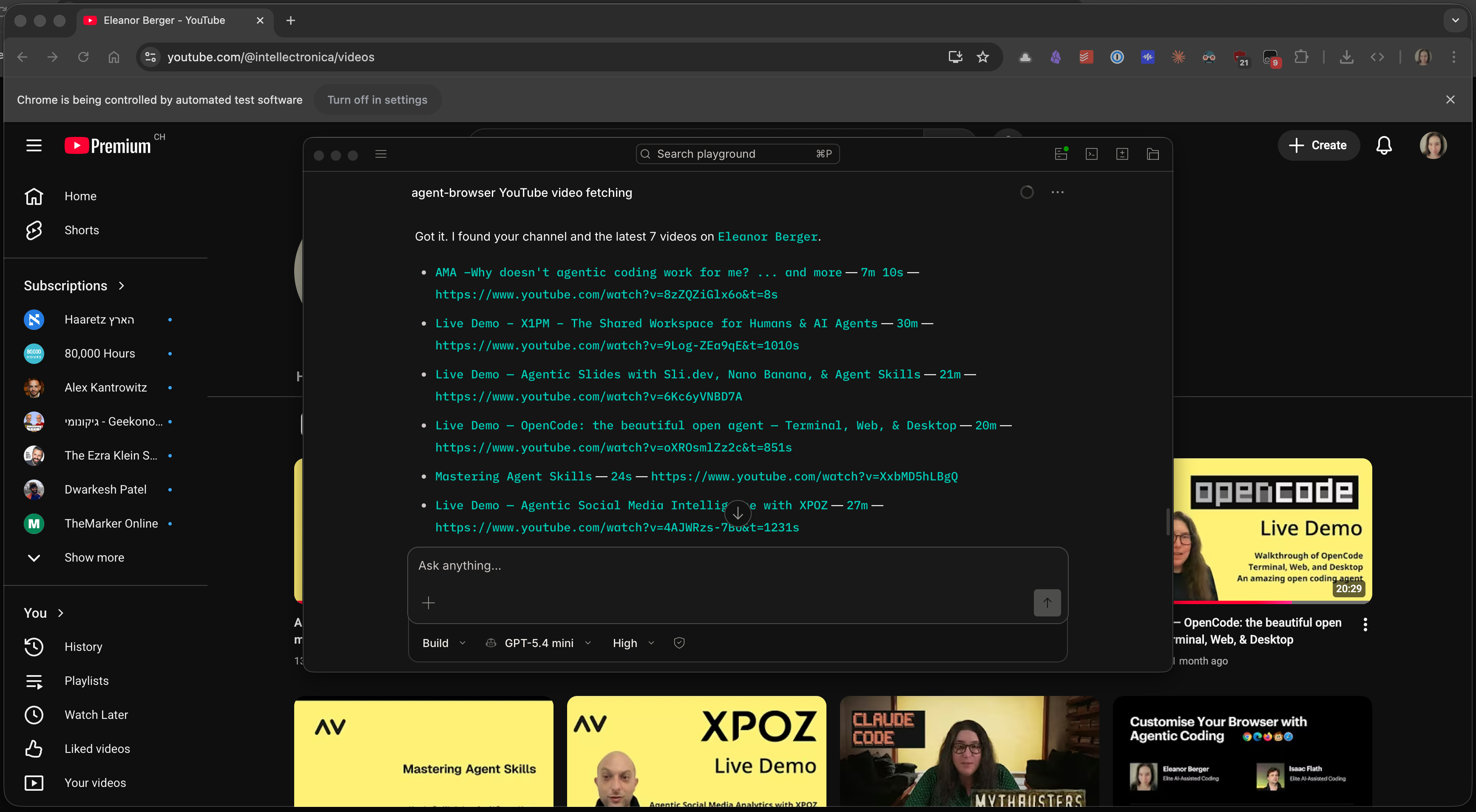
I asked the agent to go to my YouTube channel and get the list of recent videos. YouTube is notoriously difficult to automate – there’s no usable API for this. The agent connected to my Chrome where YouTube was already logged in, found my channel, navigated to it, extracted the seven latest videos, and listed them. A couple of minutes, entirely unattended.
The same works for much more complex tasks. Agent Browser combines screenshots (like vision-based agents) with direct accessibility-tree reading, switching between strategies as needed. It’s robust, efficient, and I use it regularly.
…
Looking to learn how to use AI agents effectively for software development? The spring cohort of Elite AI-Assisted Coding, the #1 comprehensive course on making the most of agentic software development, is open for signups, and we’re offerring a 25% early bird discount until March 23rd. Join us!

…
The Stack
OpenCode Desktop — open-source local agent with model flexibility and skill support.
GPT-5.4 mini — fast and inexpensive, more than capable for browser automation. Available through ChatGPT Plus, GitHub Copilot, OpenCode Zen, or via API.
Agent Browser + Skill — install with
npm install -g agent-browserandnpx skills.Chrome with remote debugging — enable at
chrome://inspect#remote-debugging, disable when not in use.